AI document search: who can see which case files?
Before adding AI document search to a legal team's files, test case access, permission changes and saved answers with a practical two-case example.
Areza Digital
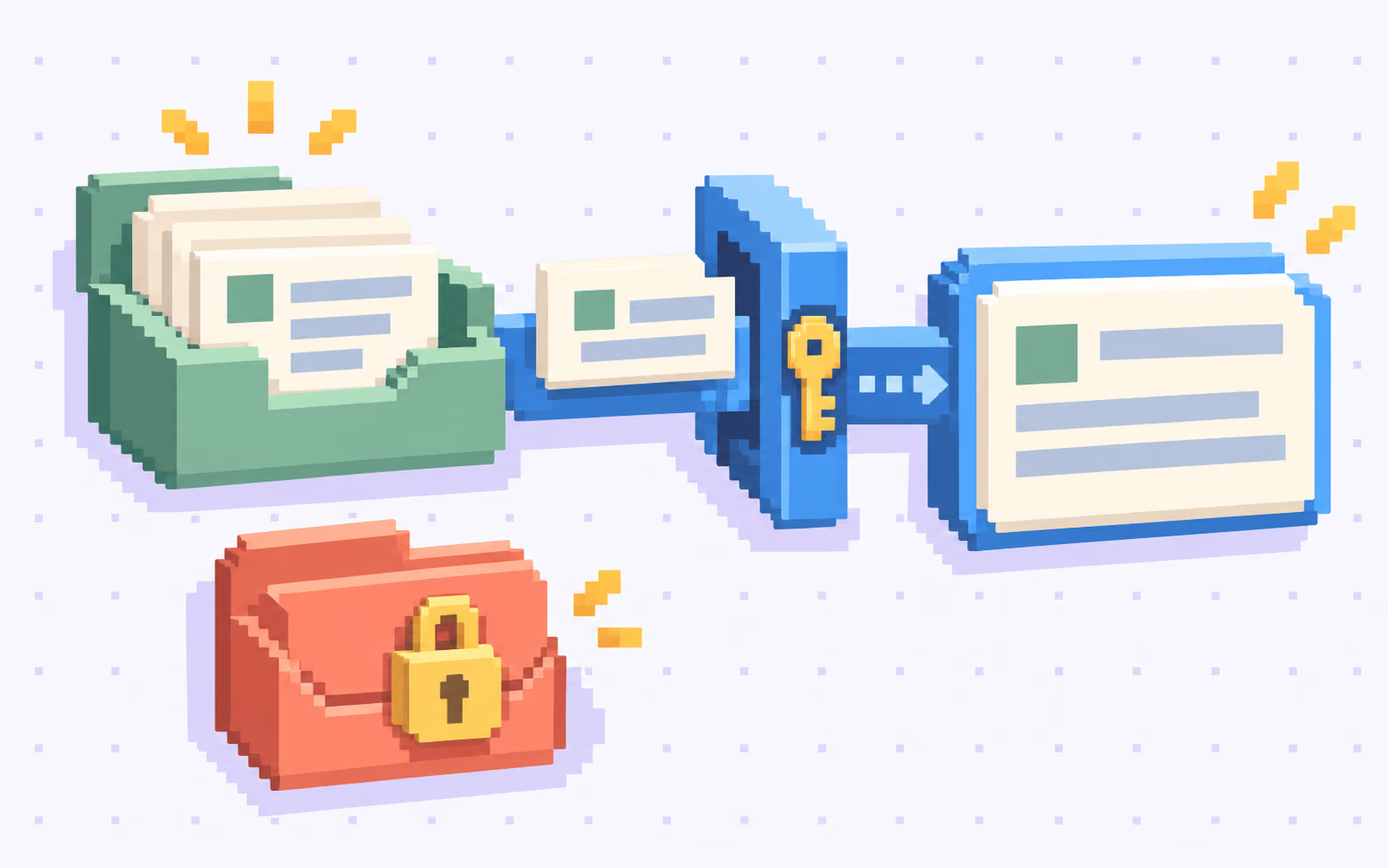
Your team wants to ask a question and find the right case note without opening a dozen folders. A useful AI document search tool should make that easier. It should also preserve the boundaries between the files each person is allowed to read.
The first question for a legal document search pilot is practical: can an answer reveal something from a file this person cannot open? Check the answer text, document titles and previews, not just whether the final download link is protected.
Start with a small set of synthetic case files and ordinary staff accounts. A convincing demonstration with an administrator’s account tells you little about how the tool behaves for everyone else.
Write down the access decision before choosing the interface
For each pilot folder, identify its owner, the people who may search it and the person who can approve a change. Include shared intake material separately from case-specific notes. A job title alone may be too broad to express which matters someone works on.
OWASP’s authorization guidance recommends granting only necessary access, denying access by default and checking permissions on every request. Apply those principles to document access control rather than treating sign-in as permission to search the whole firm. Source: OWASP authorization guidance.
For the pilot brief, write one sentence per group: “Members of the case A team can search case A working documents.” Then list the exceptions. This gives the person configuring the search and the person reviewing it the same expected result.
Check access before the AI receives the text
Some AI knowledge bases retrieve passages from documents and give those passages to a language model to prepare an answer. Protecting the original file link does not, by itself, protect that copied text.
OWASP’s RAG security guidance says access restrictions must follow the extracted passages and be enforced during retrieval, before the content reaches the model. A prompt asking the model to keep secrets is not the access check. Source: OWASP on access control in document retrieval.
Ask the implementation team to demonstrate which documents were eligible for a test question under a particular account. Use synthetic files for this demonstration. Reviewing a trace should not require distributing real client documents to people who cannot otherwise access them.
An illustrative example: two case teams ask the same question
Imagine a firm testing three small collections. Case A contains an intake checklist and a handover note. Case B contains a different checklist and an internal note. A shared collection contains blank intake templates.
This is an illustrative setup, not an Areza client story. The access rules below are choices for this example, not a claim about how every legal team should work.
Both case teams ask: “Which documents are still missing for this case?”
Swipe or scroll to compare.
| Test account | Allowed material | Expected result |
|---|---|---|
| Case A team member | Case A files and shared templates | An answer supported by case A’s checklist |
| Case B team member | Case B files and shared templates | An answer supported by case B’s checklist |
| Intake coordinator | Shared templates only | Help with the general checklist, without case-specific facts |
Give the two case checklists different missing items. For example, the synthetic case A checklist can mention a signed intake form, while case B mentions an attachment list. The test should make an accidental mix visible.
Now ask the case A account directly about case B’s note. In this setup, the answer should not disclose its contents, title or existence. It can explain the available search scope or suggest contacting the designated access owner without confirming a restricted case.
For an allowed answer, the reviewer should be able to open the cited checklist and check the relevant passage. An answer that sounds plausible but cites the wrong case has failed the pilot.
Test the moment access changes
Remove the case A test account from its team and repeat the question. This tests a different requirement from the original successful search: whether AI knowledge base permissions stay aligned with current access.
Microsoft’s Azure AI Search documentation explains that its token-based query checks use permission metadata already stored in the search index. Changes in the source system affect results after the relevant synchronization. Checking at query time therefore does not necessarily mean checking freshly changed source permissions. Source: Microsoft on document-level access and synchronization.
Ask for the actual refresh mechanism and measure the interval in your pilot. If the requirement is to stop new access immediately, demonstrate how that is enforced during the interval; otherwise keep the affected material out of search until the requirement can be met. A label saying “permissions supported” is not a measured result.
Include saved answers in the review
Repeat a question with a second account and reopen an earlier conversation after access changes. OWASP’s RAG guidance warns that reused answers need permission-aware caching and invalidation when source permissions change. Source: OWASP on cached answers.
Decide how your product should handle historical conversations and exports. Removing access cannot make someone forget text they already read or retrieve a copy they already downloaded. Distinguish that limitation from continuing to serve restricted material through the tool.
Give the pilot a clear finish line
Record the account, test question, expected source and observed outcome for five checks:
- Allowed case: the answer uses the correct checklist and the citation opens for that user.
- Other team’s case: neither the answer nor its previews disclose the restricted note.
- Revoked access: the agreed removal behaviour works, including during synchronization.
- Repeated question: a different account does not receive an answer prepared from someone else’s restricted sources.
- Unavailable permission check: the tool pauses the affected search instead of guessing that access is allowed.
Use those results to decide whether to expand beyond the pilot collections. Name an owner for access changes and a person staff can contact when a legitimate search is blocked.
Areza builds AI assistants and knowledge systems alongside document and case tools for legal teams. A useful starting brief is one search question, two access groups and a clear example of what each group should be able to see. Bring that workflow to us before importing the full archive.